
Install
Get Elder Guard on Google Play
You use Elder Guard as a Guardian. Your loved one uses the same app as the Elder.
- 1You install it on your phone as the Guardian.
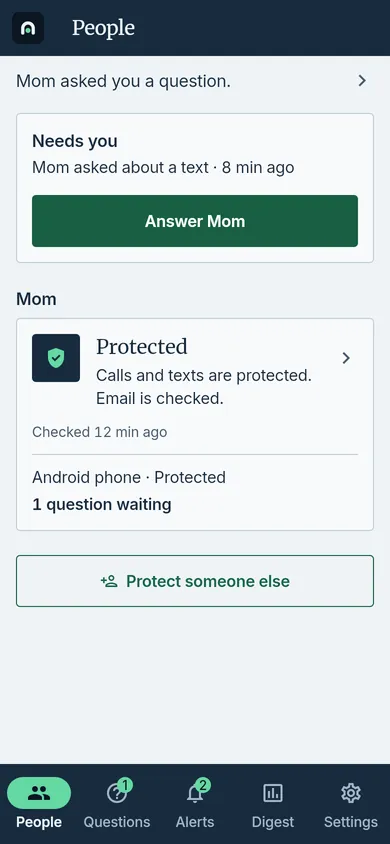
- 2Your loved one installs it on theirs as the Elder.
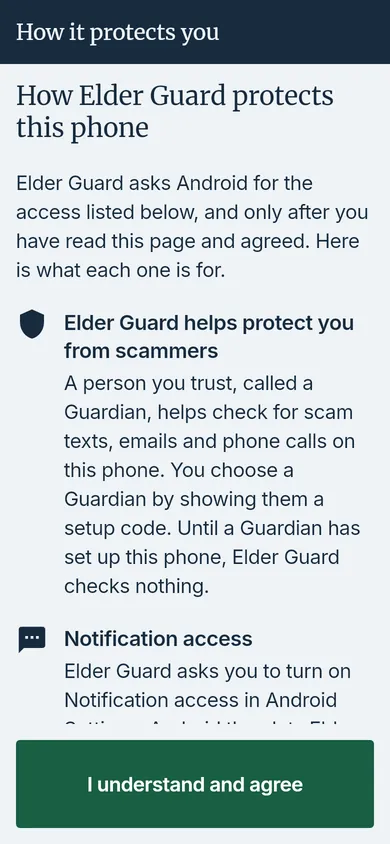
- 3Then you pair the two phones together, in person.
Did your family send you here? Install the same app on your phone, then set it up with them, in person. Read the For Elders page.
Get the same app on both phones
App Store Coming soon

The first 14 days are free if your store account is eligible. Cancel in the store any time.
Published by Upton Software Ltd. Liability Company.
Elder Guard comes only from Google Play. The iPhone app is coming soon. We never send the app as a file in a message or an email, and we never offer it as a download on any other website. Do not install it from anywhere else.